Record your take
1080p at 30 fps with sound and no watermark. Every script keeps its takes: play, save to Photos, share or delete.
 Jelly Gates: Color Slide PuzzleSlide Puzzle · 200 levels
 Jelly Fizz: Soda Sort PuzzleSort Puzzle · 200 levels
 Jelly Pack: Candy FactoryPuzzle (Casual) · 200 levels
 Jelly Belt: Sort & MatchConveyor Sort Puzzle · 200 levels
 Block Forge - Puzzle BlocksBlock Puzzle · 60 levels
 Screw Sort: Nuts & BoltsSort Puzzle · 200 levels
 Slime SiegeIdle Auto-Battler
 Cucaracha DUOCasual · 120 levelsPlayStudioBlogApps
 NewsPrismRSS Reader
 StepRingStep Counter
 Duo ClipboardClipboard History
 Twofold NotesNotes with AI
 File StudioFile Converter
 Twofold ScanPDF Scanner
 Twofold PhotosPhoto Cleaner
 Twofold PrompterTeleprompterAll AppsBlogContactJoin the waitlist
ITechX · Apps · Designed for iPhone Duo

Stand your phone up like a tiny laptop. Your script scrolls right under the camera, so you look at your viewers while you record.
Twofold Prompter is a teleprompter and a video recorder in one app. Free, with a one-time Pro purchase. For iPhone with iOS 26 or later.
Closed, open, laptop
One app, three ways to hold it. The layout follows the pose, and works on every other iPhone too.
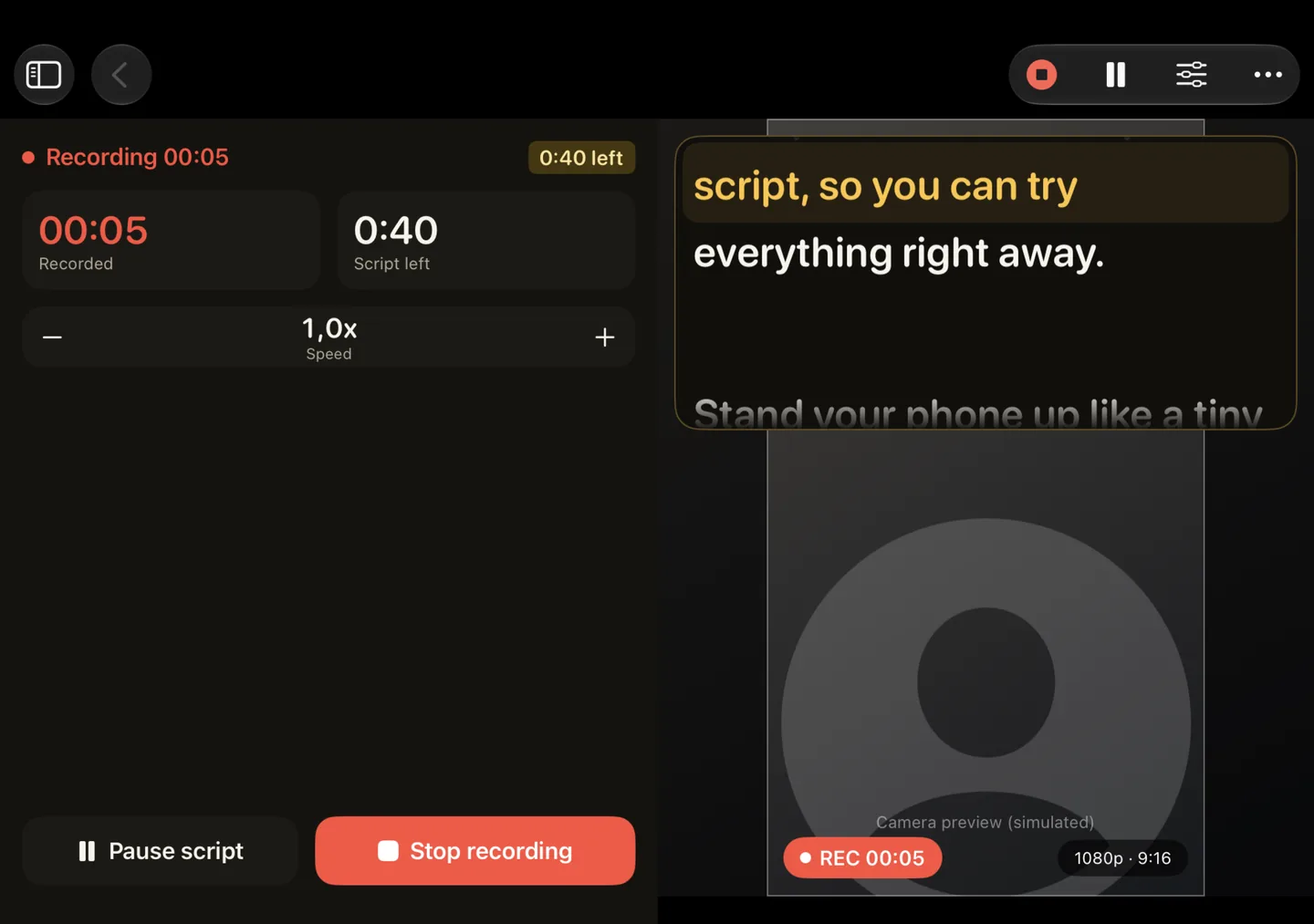
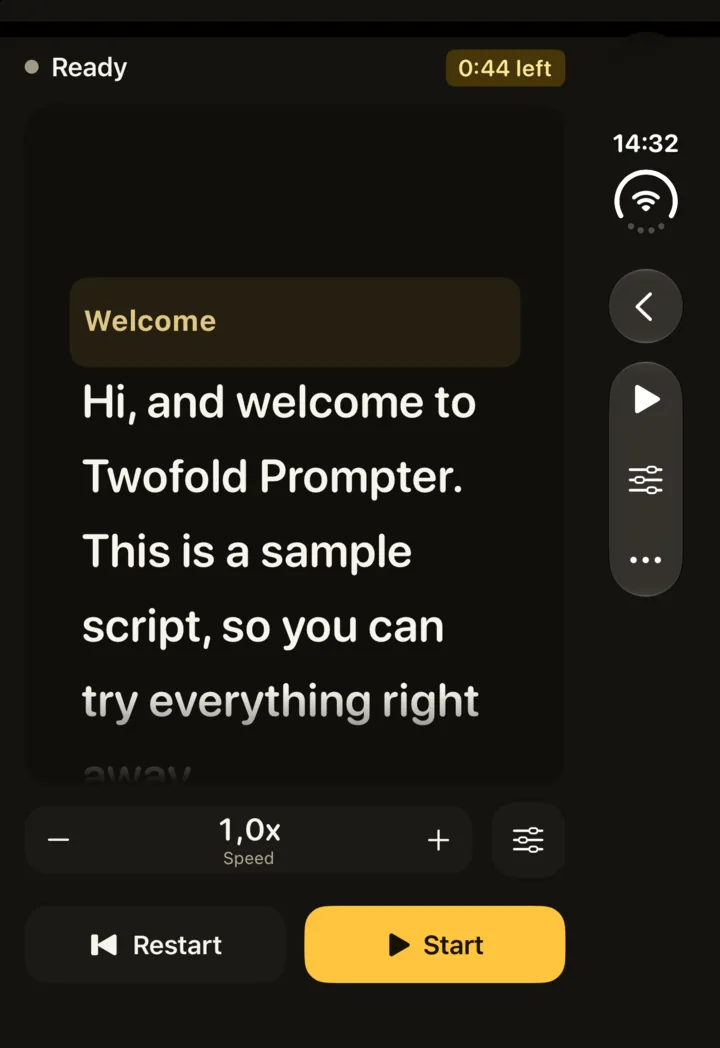
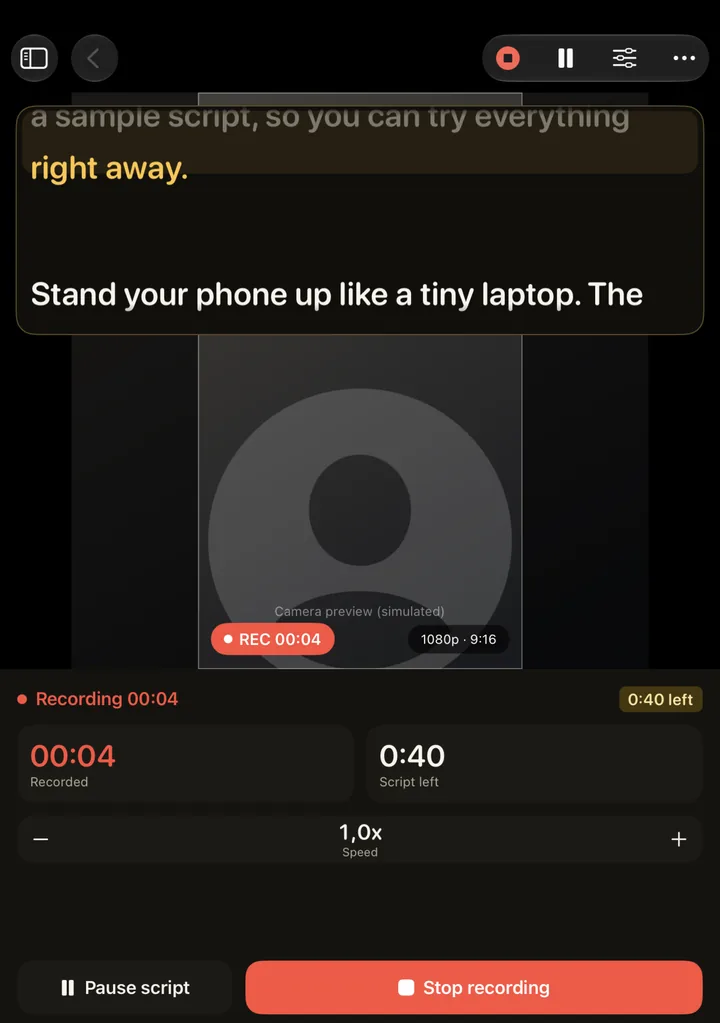
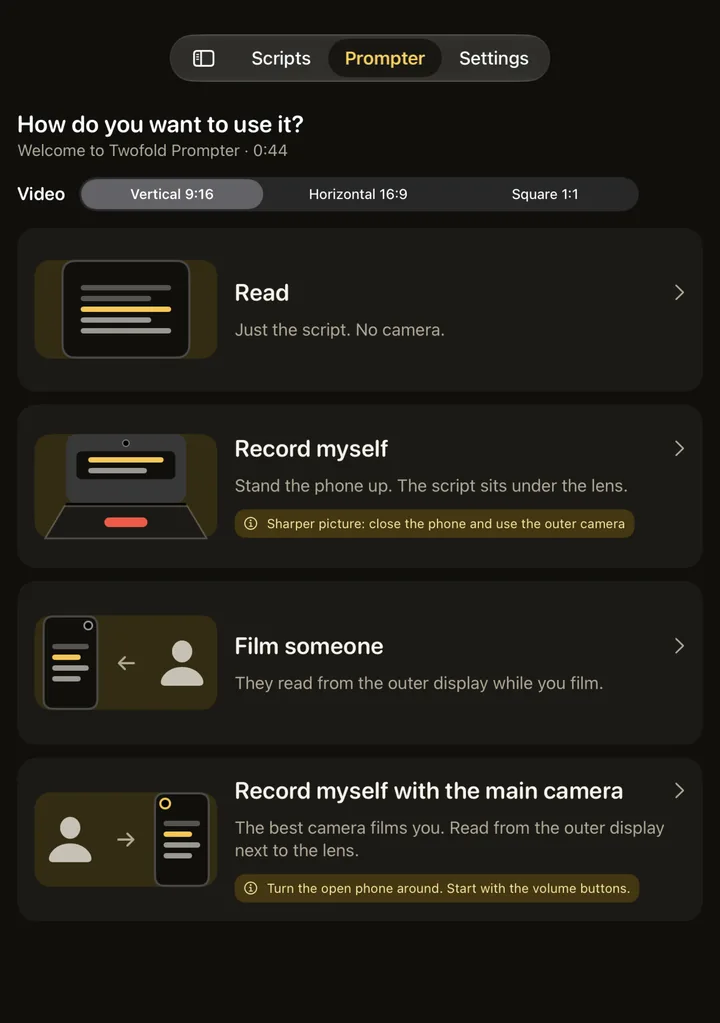
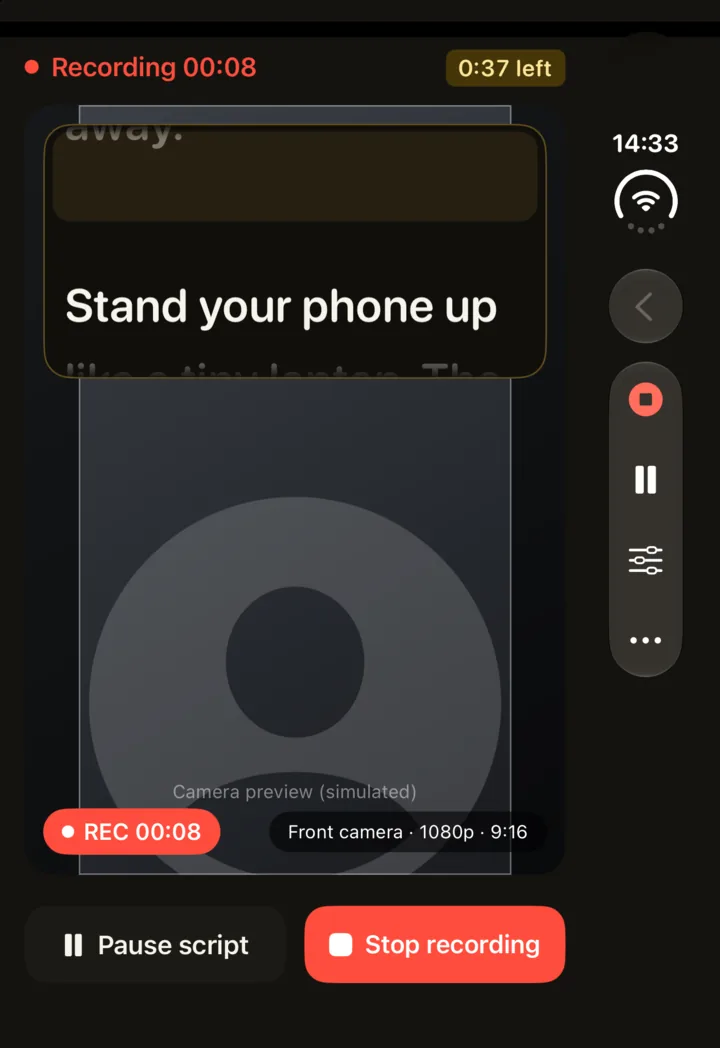
Read the script on its own, record yourself, or, with Pro, film someone with the rear camera while the script shows on the outer display.

Smooth scrolling from 0.5x to 3x and text from 16 to 48 pt. The current line glows on the reading band and past lines fade.
1080p at 30 fps with sound and no watermark. Every script keeps its takes: play, save to Photos, share or delete.
With Pro, the text follows you as you speak, recognised on your device.
Scripts, recordings and speech never leave your iPhone. No account, no ads, no tracking.
Takes go to your photo library only when you choose Save to Photos.
Anonymous usage statistics and crash reports help improve the app, never include your scripts or recordings, and can be turned off in Settings.
Free, with a one-time Pro
Twofold Prompter Pro is a one-time purchase. No subscription, and it works with Family Sharing.
| Feature | Free | Pro |
|---|---|---|
| Prompter: speed, size, mirror and every Duo layout | Included | Included |
| Scripts | 5 | Unlimited |
| Recording | Up to 3 minutes per take, 1080p | Any length, 4K where supported |
| No watermark | Included | Included |
| Follow my voice | Not included | Included |
| Subject Display | Not included | Included |
| Countdown (3, 5 or 10 seconds) | Not included | Included |
| Import TXT and Markdown | Not included | Included |
The price is shown in the App Store and in the app before you buy. Restore Purchases is in the app’s Settings.
FAQ
Designed for iPhone Duo
Twofold ScanScan paper to PDF with on-device text recognitionTwofold PhotosCompare similar shots side by side and keep the best one