Nothing is ever lost
Every replace is saved in version history, so you can always go back to what you wrote.
 Jelly Gates: Color Slide PuzzleSlide Puzzle · 200 levels
 Jelly Fizz: Soda Sort PuzzleSort Puzzle · 200 levels
 Jelly Pack: Candy FactoryPuzzle (Casual) · 200 levels
 Jelly Belt: Sort & MatchConveyor Sort Puzzle · 200 levels
 Block Forge - Puzzle BlocksBlock Puzzle · 60 levels
 Screw Sort: Nuts & BoltsSort Puzzle · 200 levels
 Slime SiegeIdle Auto-BattlerPlayStudioBlogApps
 NewsPrismRSS Reader
 StepRingStep Counter
 Duo ClipboardClipboard History
 Twofold NotesNotes with AI
 File StudioFile ConverterAll AppsBlogContactJoin the waitlist
ITechX · Apps · Designed for iPhone Duo
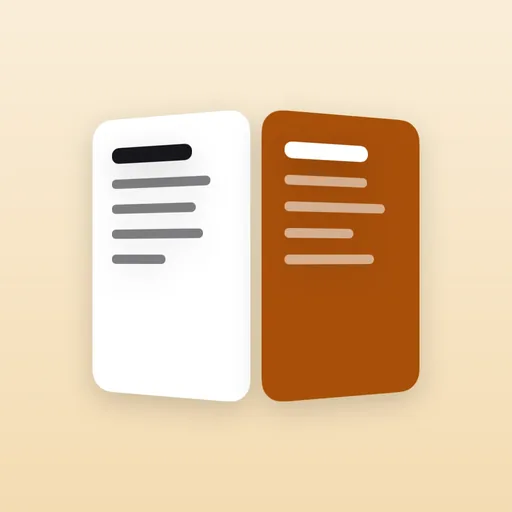
One note, two screens. Write on the left, get a better version on the right, all on device. Designed for iPhone Duo, great on every iPhone.
Twofold Notes puts your text and a better version of it side by side. Free, with a one-time Pro purchase. For iPhone with iOS 26 or later.
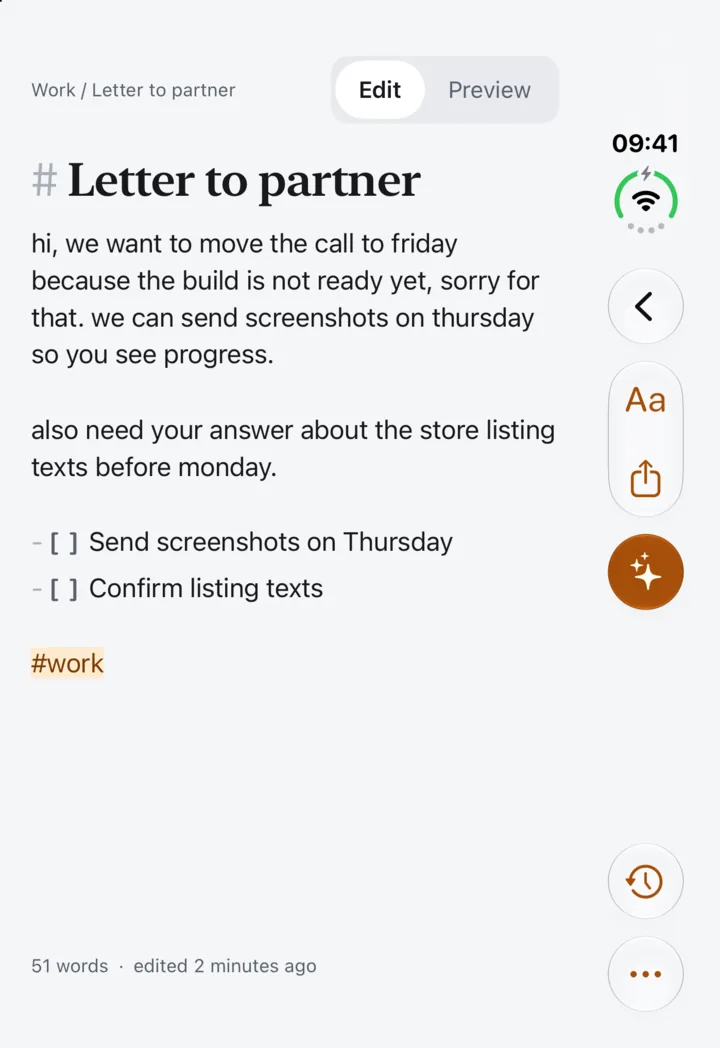
Closed, open, laptop
One app, three ways to hold it. The layout follows the pose, and works on every other iPhone too.
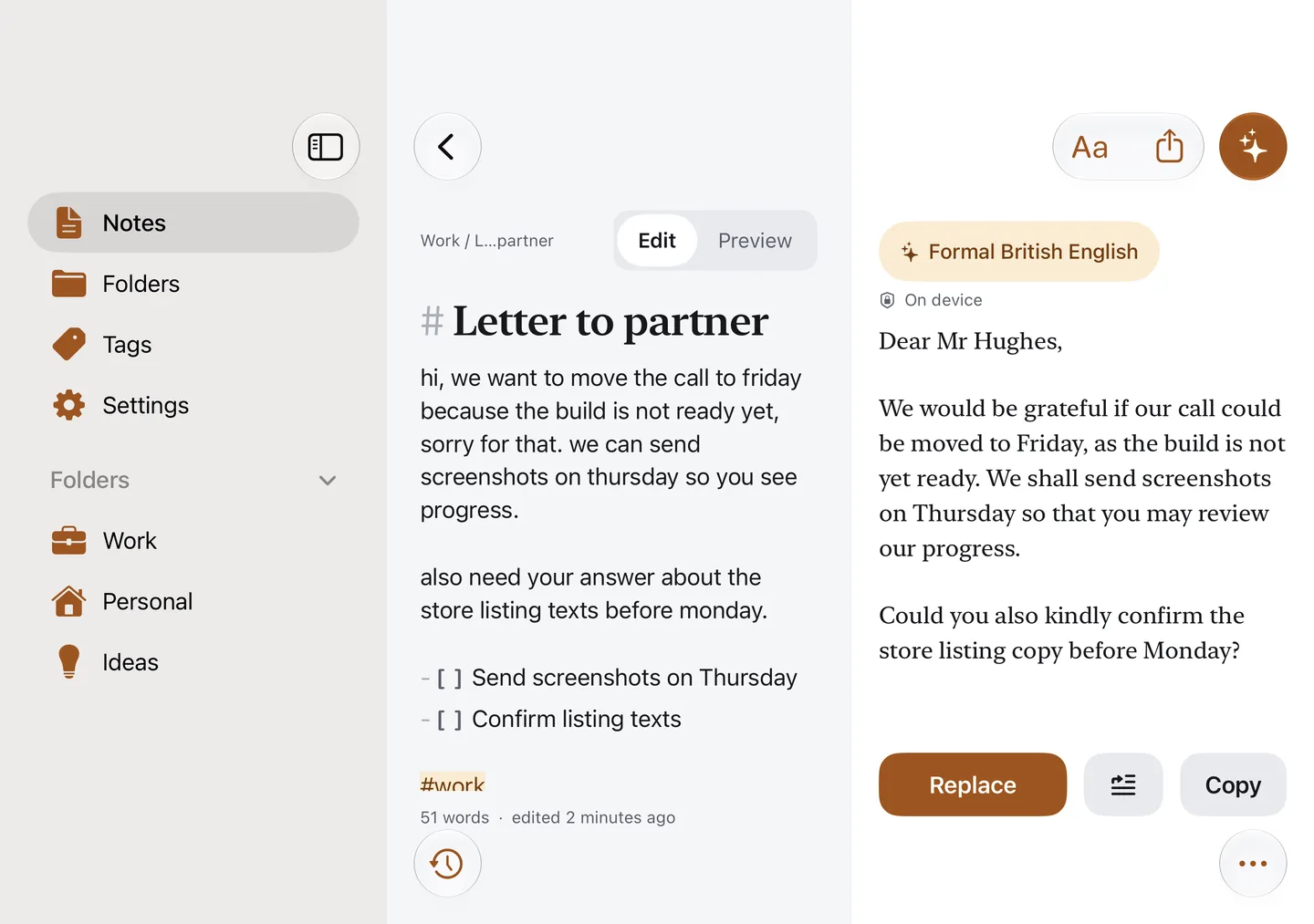
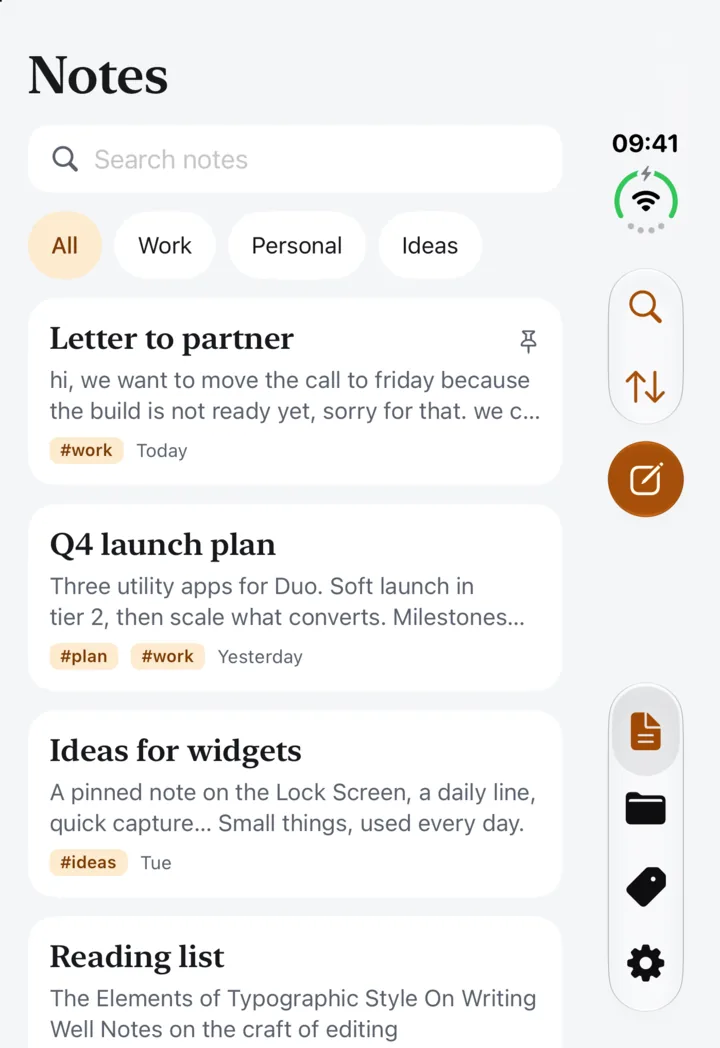
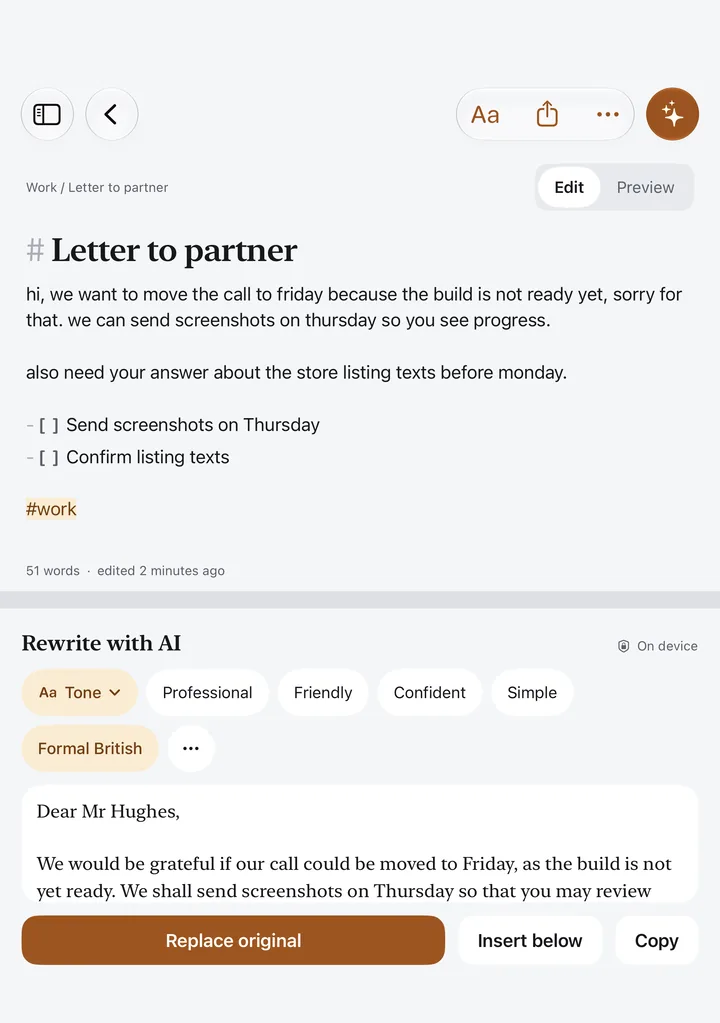
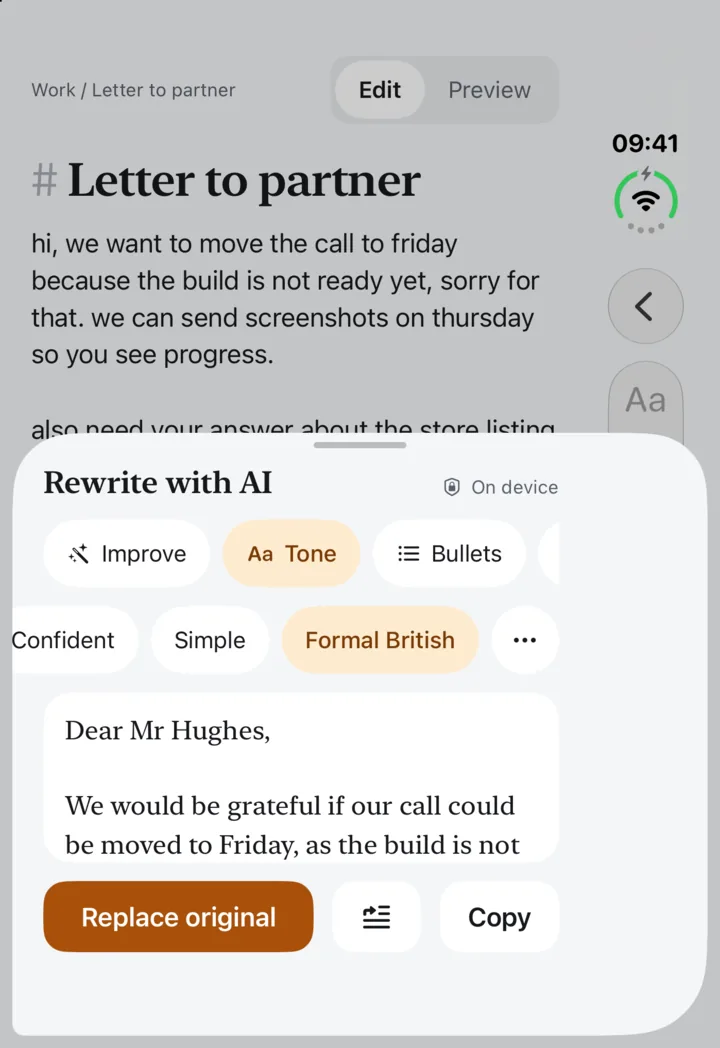
Write the way you think. Then tap Improve, change the tone, summarise, translate or pull out action items, and the result streams into the second pane. Compare both versions, replace the original, insert the result below, or keep both.
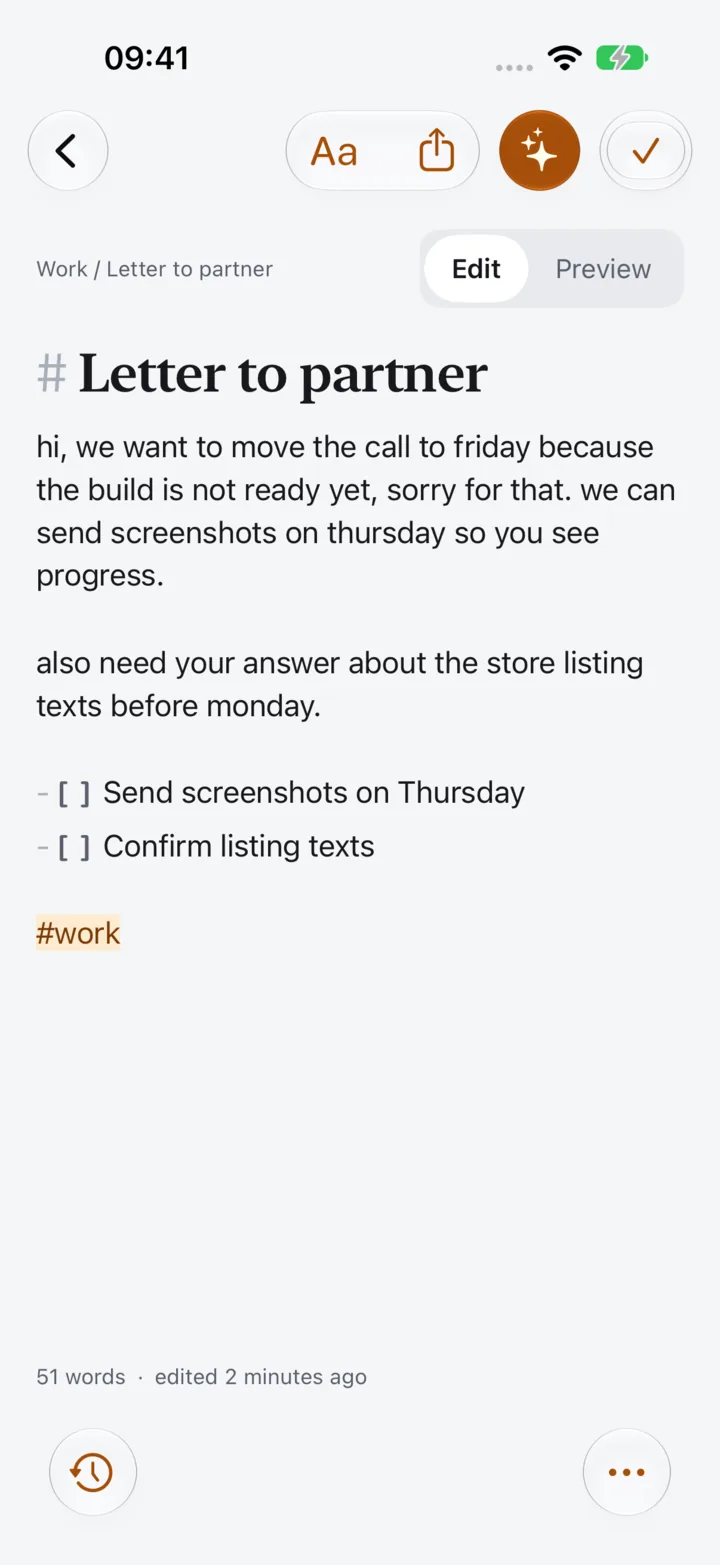
Markdown with live styling: headings, bold, italic, lists, checklists, quotes, code and links. Tappable checklists, preview mode, find in note and word count.
Every replace is saved in version history, so you can always go back to what you wrote.
Folders, #tags, pins, archive and a 30-day trash. Full-text search with highlighted matches.
Export as Markdown or plain text, share from any app into a new note. Widgets, Shortcuts and Siri, Spotlight, and a full set of keyboard shortcuts.
AI runs on device with Apple Intelligence. Your words never leave your iPhone.
No account, no ads, no tracking. Only anonymous usage statistics and crash reports, which you can turn off.
AI features need an iPhone that supports Apple Intelligence. Notes work fully without it.
Free, with a one-time Pro
Twofold Notes Pro is a one-time purchase. Pay once, keep it forever, share it with your family. No subscription.
| Feature | Free | Pro |
|---|---|---|
| Notes, folders, tags and search | Unlimited | Unlimited |
| Dual Pane | Included | Included |
| AI runs | 5 a day: Improve, Summarize, Bullet points | Unlimited, every action and tone |
| Translation and custom prompts | Not included | Included |
| Version history | Every replace saved | Full history with side-by-side diff |
| Export | Markdown, plain text | Plus PDF and batch export |
| All widgets | Not included | Included |
| Themes, editor fonts and app icons | Not included | Included |
The price is shown in the App Store and in the app before you buy. Restore Purchases is in the app’s Settings.
FAQ