








ITechX · Apps · iPhone and Apple Watch
StepRing: Walking Step Counter
Pedometer, Walk Tracker & Plan
Close your ring every day. Steps, distance, calories and walking time on one screen, with widgets, Apple Watch and four designs to choose from.
StepRing is a walking tracker and step counter built around one ring. Open it, see your steps, close your ring. Walk more, one day at a time: steps, distance, calories, floors and walking time on one screen, on your iPhone and Apple Watch.
Today, Trends, Calendar
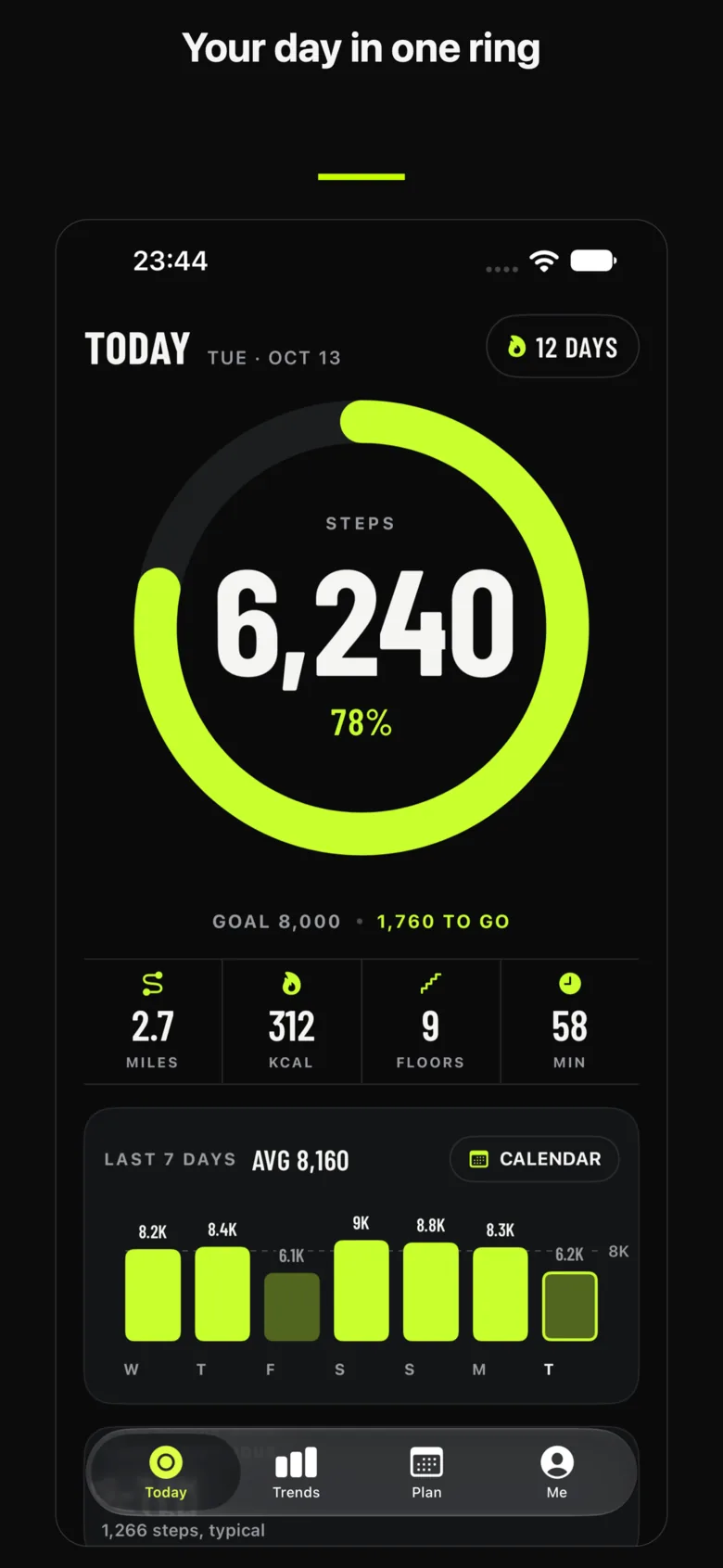
Your day in one ring
Works with Apple Health and your iPhone's motion sensor, no extra device needed.
Steps and progress to your daily goal at a glance 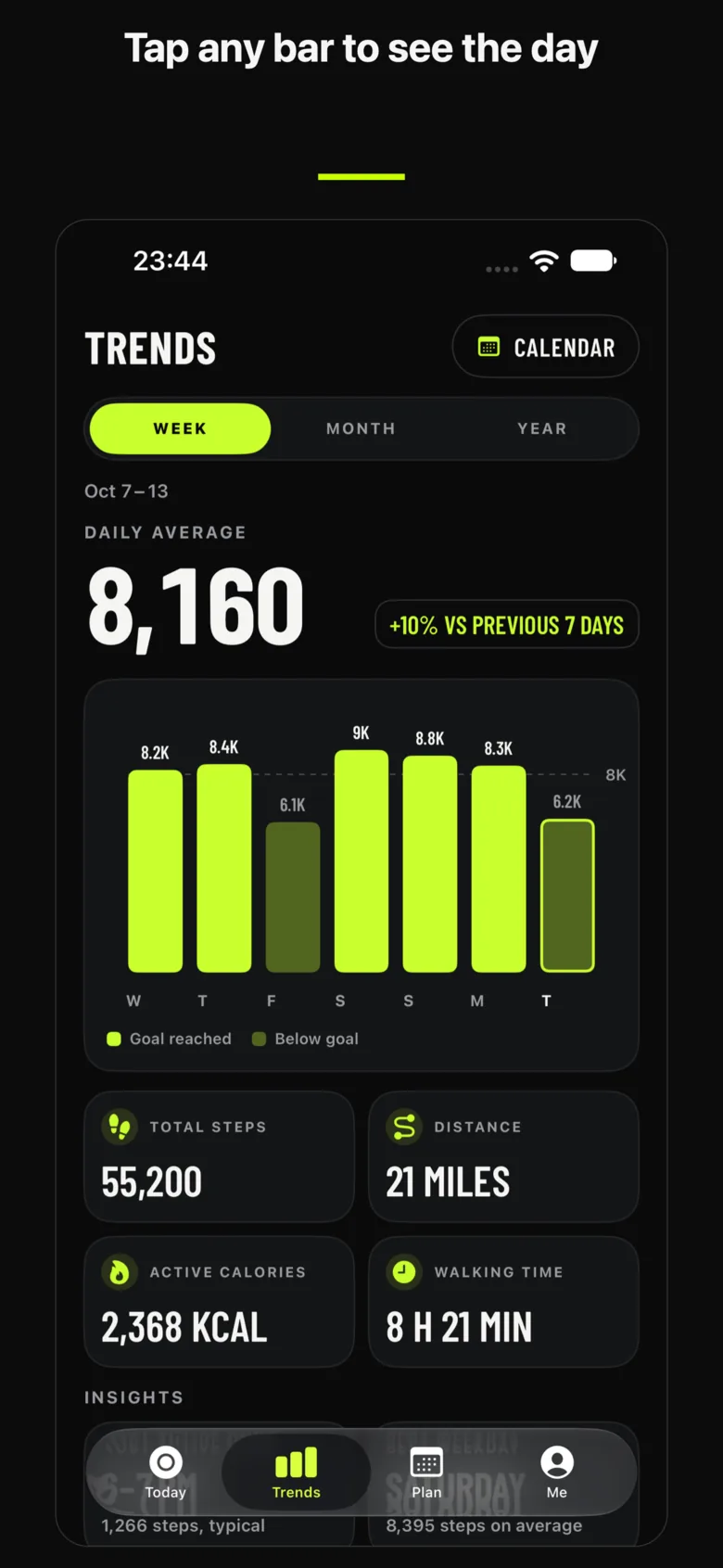
Week, month and year trends: tap any bar to see the day 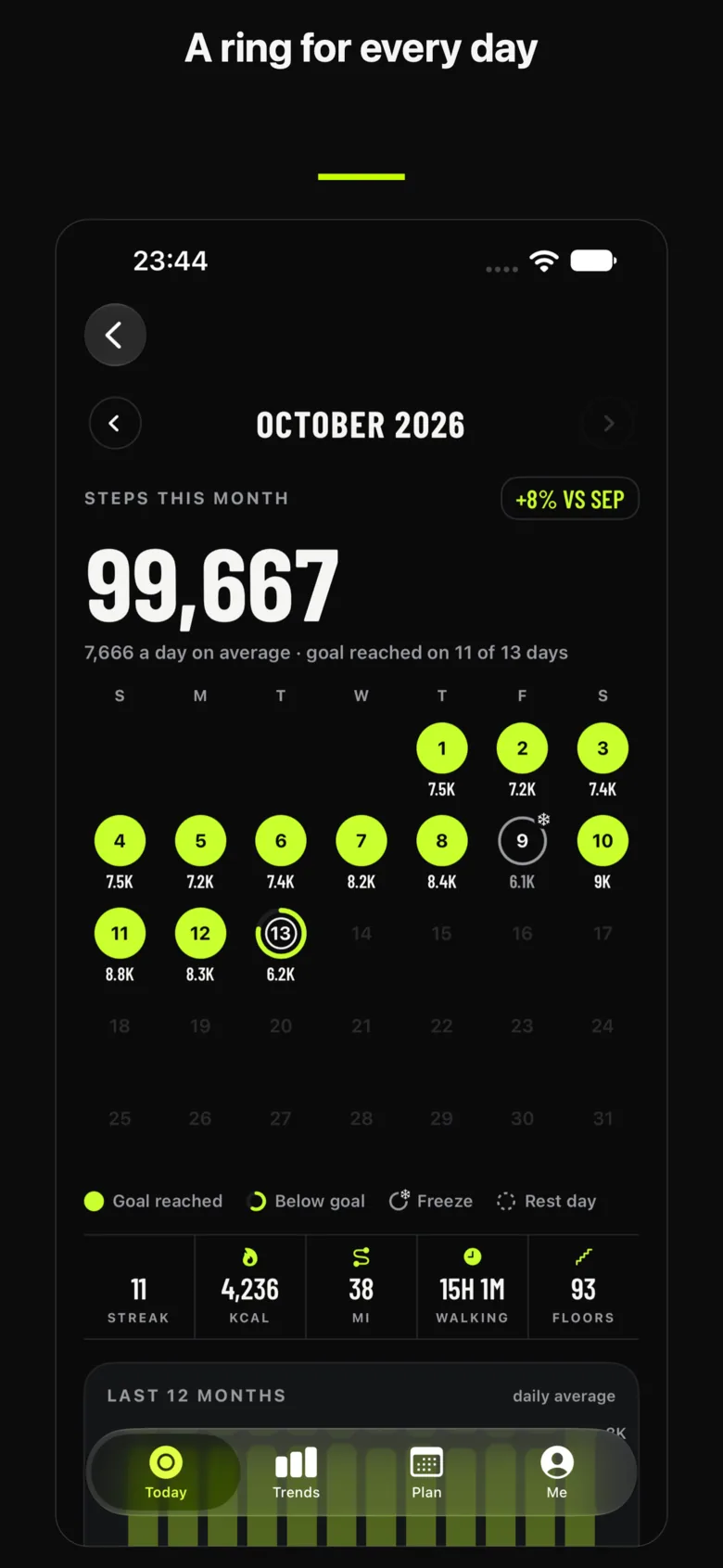
Calendar with a ring and step count for every day
Steps and progress to your daily goal at a glance Week, month and year trends: tap any bar to see the day Calendar with a ring and step count for every day
Home Screen, Lock Screen, wrist
Widgets and Apple Watch
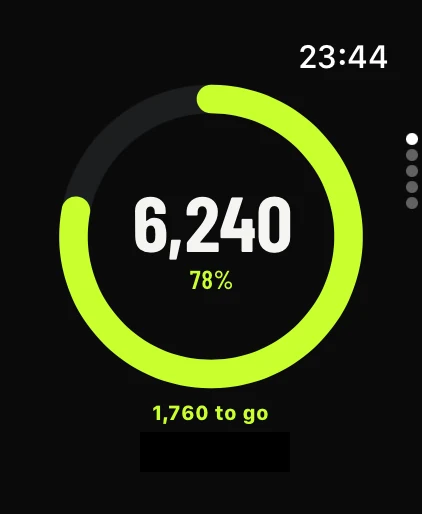
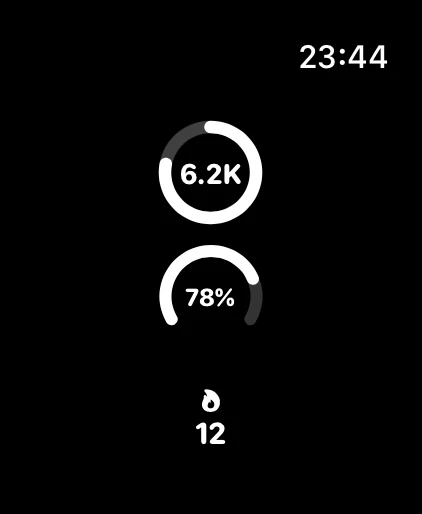
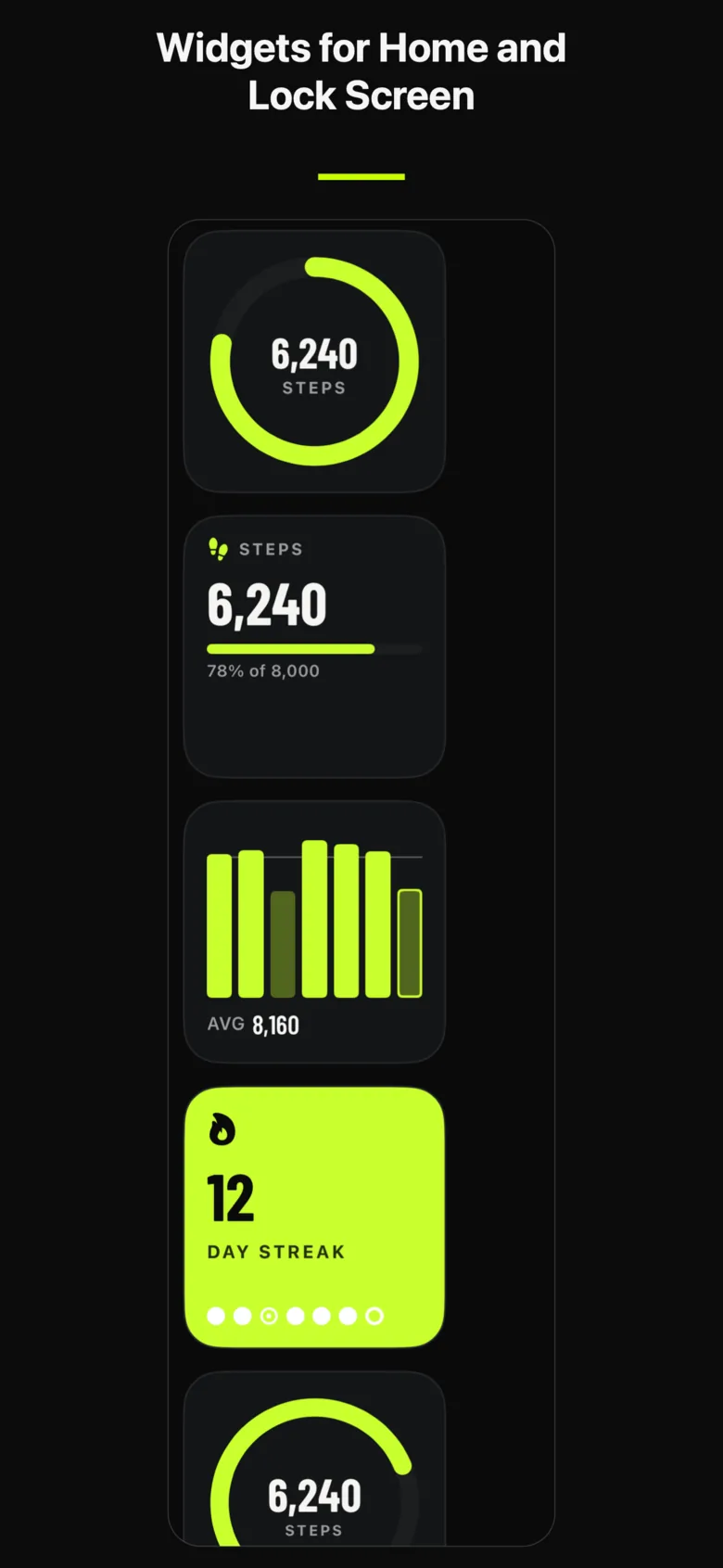
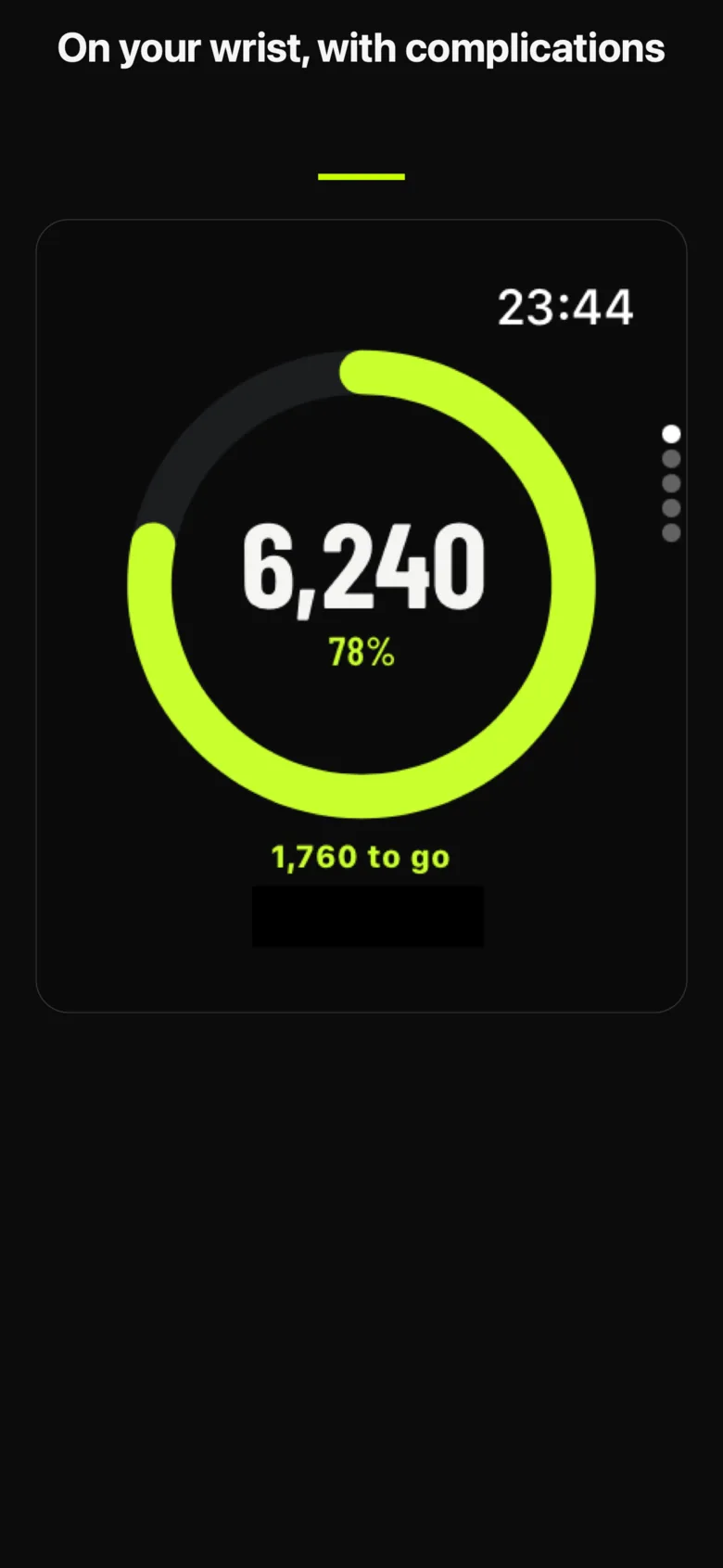
30+ widgets for Home Screen, Lock Screen and Apple Watch.
Apple Watch app that counts steps without your iPhone nearby.
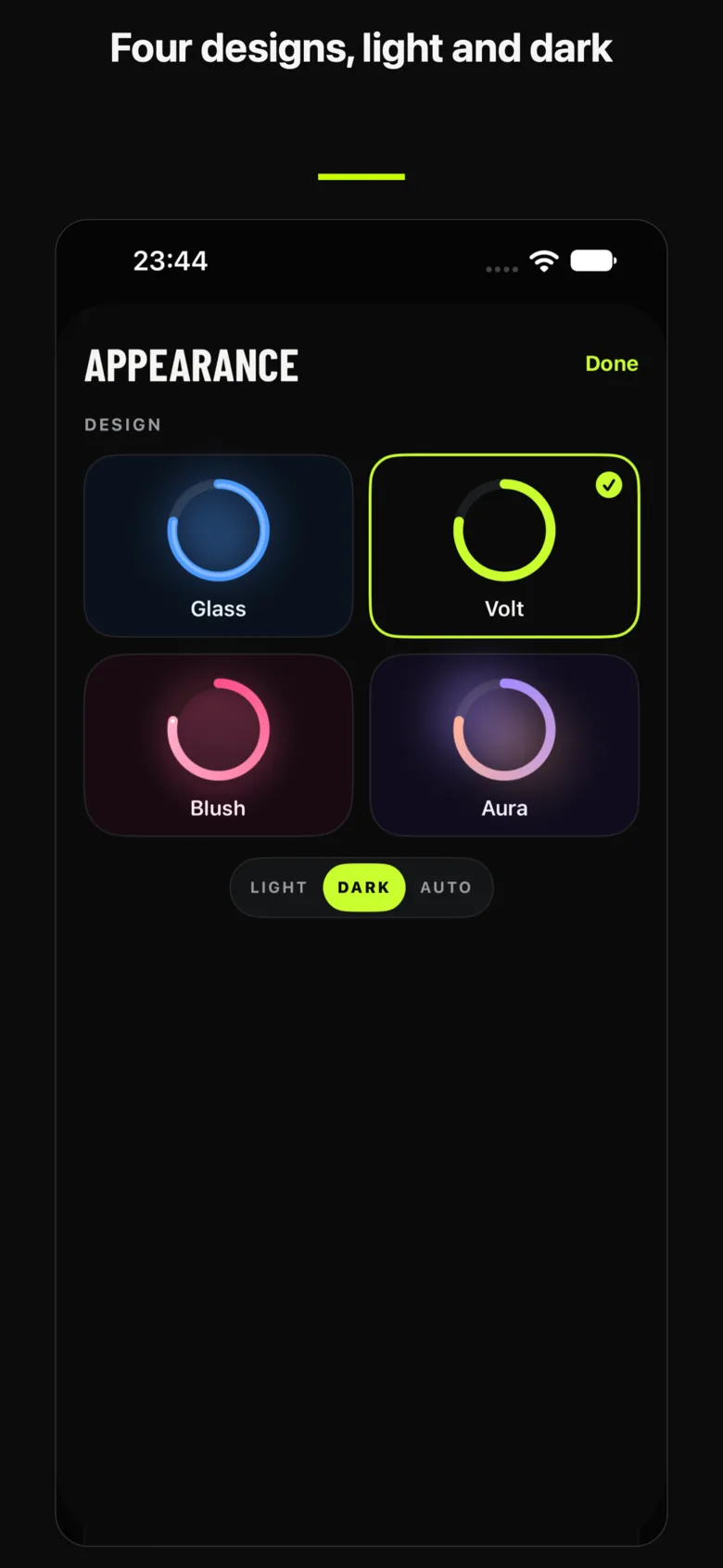
Make it yours
Four designs
Glass, Volt, Blush and Aura, each in light and dark.
Subscription or Lifetime
StepRing PRO
All widgets
Insights, records and walking health
Extra rings, custom reminders, accent colors
A yearly or weekly subscription, or Lifetime as a one-time purchase. Manage it in your Apple ID settings.
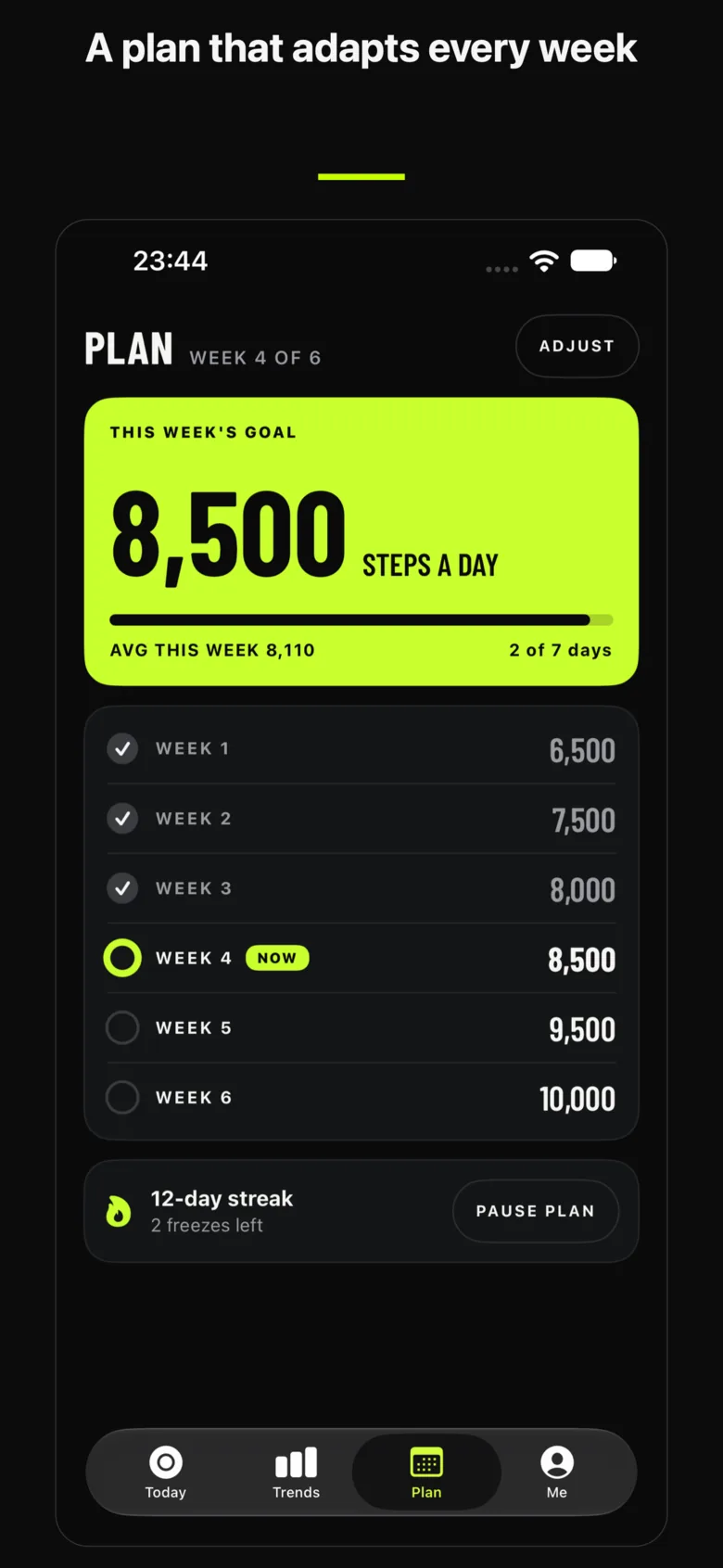
FAQ
Questions, answered.
- Does StepRing work with Apple Health?
- Yes. With your permission it reads steps, distance, floors and active energy from Apple Health, and uses your iPhone's motion sensor when Health is not available. It writes nothing to Apple Health.
- Does the Apple Watch app work without my iPhone?
- Yes. The Watch app counts steps without your iPhone nearby, from your Apple Watch's own health data.
- How do I add a widget?
- Touch and hold an empty area of the Home Screen, tap Edit, then Add Widget and choose StepRing. On the Lock Screen, touch and hold, tap Customize and add StepRing to the widget row.
- What are the subscription and Lifetime?
- StepRing PRO comes as a yearly or weekly subscription that renews until you cancel, or as Lifetime, a one-time purchase. Buying Lifetime does not cancel an active subscription; cancel it in your Apple ID settings.
- How do I cancel my subscription?
- On your iPhone open Settings, tap your name, then Subscriptions, choose StepRing and tap Cancel Subscription. PRO stays on until the end of the period you have paid for.
- How do I delete my data?
- Your steps, goals and history are stored only on your device, so deleting the app deletes them. Data in Apple Health is managed in the Health app; for anything else, write to [email protected].