Every set at a glance
Duplicates and Similar open on a grid of all sets, sorted by the space they take, by date or by number of photos. Open a set to compare two photos, or switch to Grid to see a whole burst at once.
 Jelly Gates: Color Slide PuzzleSlide Puzzle · 200 levels
 Jelly Fizz: Soda Sort PuzzleSort Puzzle · 200 levels
 Jelly Pack: Candy FactoryPuzzle (Casual) · 200 levels
 Jelly Belt: Sort & MatchConveyor Sort Puzzle · 200 levels
 Block Forge - Puzzle BlocksBlock Puzzle · 60 levels
 Screw Sort: Nuts & BoltsSort Puzzle · 200 levels
 Slime SiegeIdle Auto-Battler
 Cucaracha DUOCasual · 120 levelsPlayStudioBlogApps
 NewsPrismRSS Reader
 StepRingStep Counter
 Duo ClipboardClipboard History
 Twofold NotesNotes with AI
 File StudioFile Converter
 Twofold ScanPDF Scanner
 Twofold PhotosPhoto Cleaner
 Twofold PrompterTeleprompterAll AppsBlogContactJoin the waitlist
ITechX · Apps · Designed for iPhone Duo

Find duplicates, similar shots and old screenshots. Compare two photos side by side, keep the best one and free up space. Everything stays on your device.
Twofold Photos finds exact duplicates, bursts of similar shots and old screenshots on your iPhone. Nothing is uploaded. Free, with a one-time Pro purchase. For iPhone with iOS 26 or later.

Closed, open, laptop
One app, three ways to hold it. The layout follows the pose, and works on every other iPhone too.

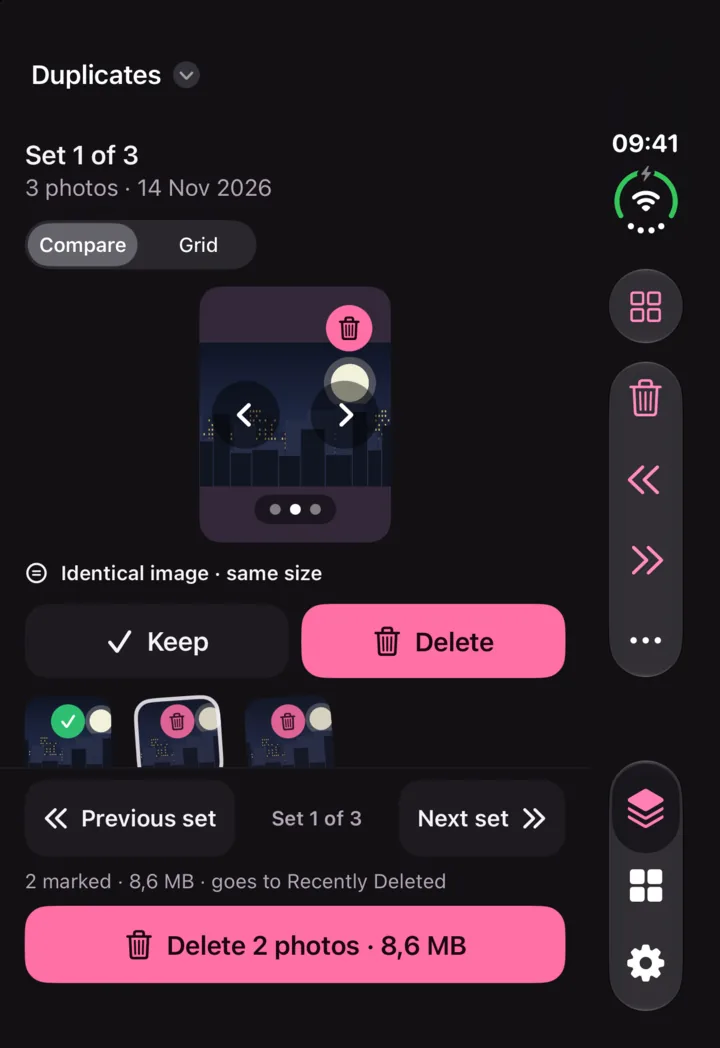
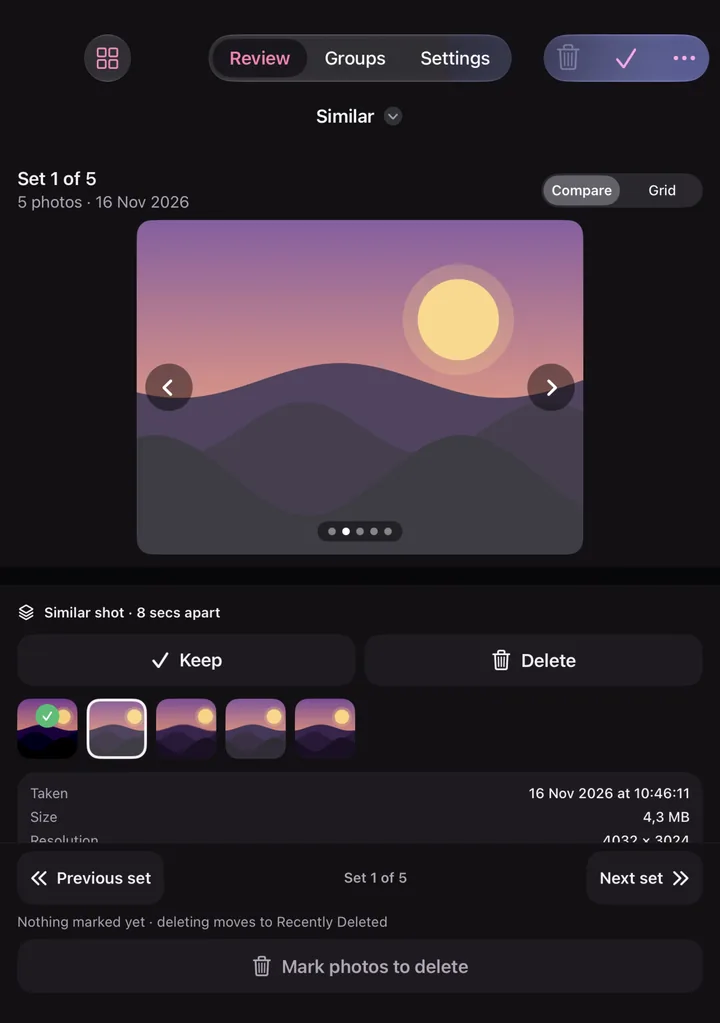
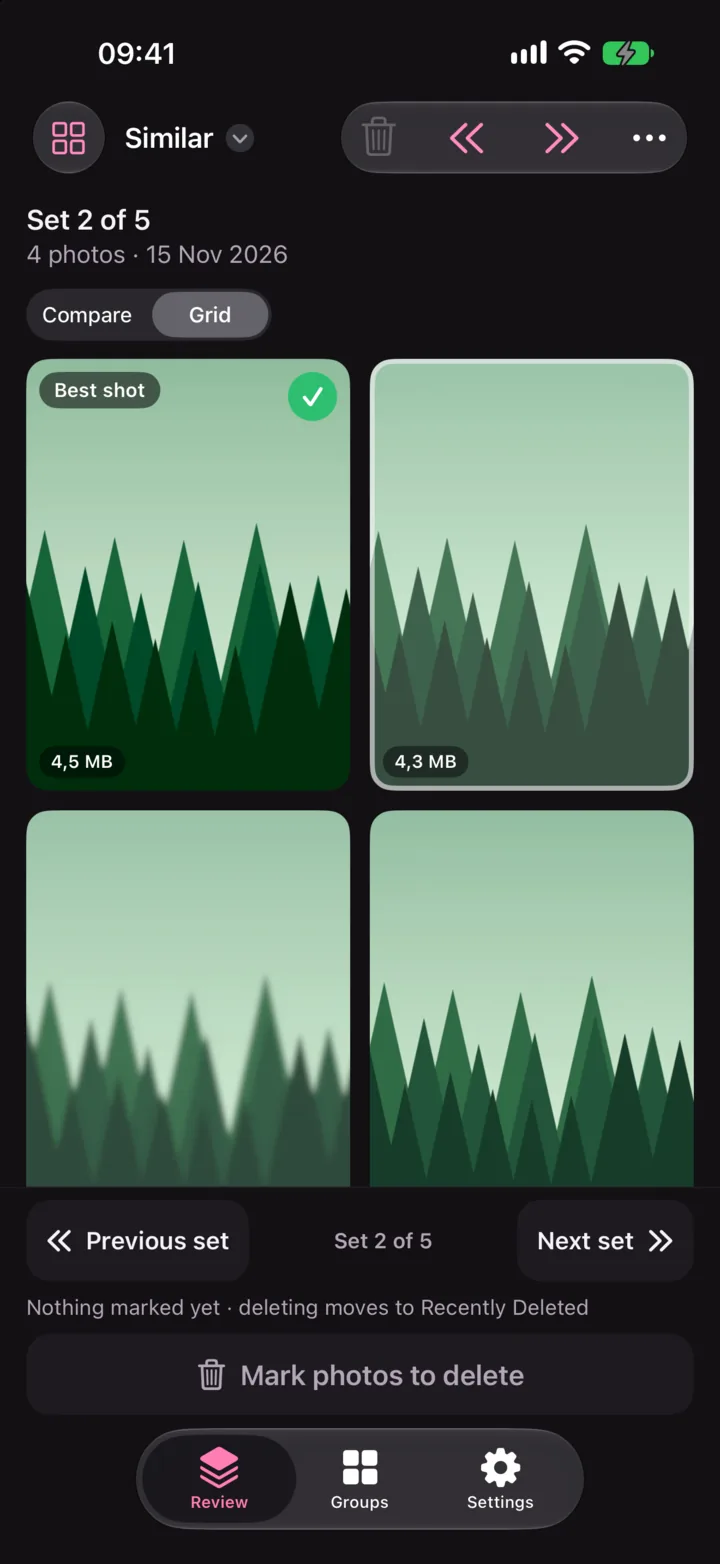
Every deletion uses the system confirmation and goes to Recently Deleted for 30 days. Nothing is deleted behind your back.

Screenshots are grouped by month. Select many at once and clear them in one step.
Duplicates and Similar open on a grid of all sets, sorted by the space they take, by date or by number of photos. Open a set to compare two photos, or switch to Grid to see a whole burst at once.
Twofold Photos shows how much storage the selected photos use, and nothing more. No alarms, no scare screens.
Your photos are analysed on your iPhone and never leave it. No account, no ads, no tracking.
Every deletion goes through the system confirmation and lands in Recently Deleted for 30 days.
Anonymous usage statistics and crash reports help improve the app, never include your photos, and can be turned off in Settings.
Free, with a one-time Pro
Twofold Photos Pro is a one-time purchase. No subscription, and it works with Family Sharing.
| Feature | Free | Pro |
|---|---|---|
| Duplicates, Similar and Screenshots | Included | Included |
| Compare side by side | Included | Included |
| Photos scanned | Last 30 days | Your whole library |
| Cleanups | One a day, plus 10 screenshots | Unlimited |
| Delete all marked photos of a set at once | Not included | Included |
| Clean up many sets in one step | Not included | Included |
| Remove all identical copies at once | Not included | Included |
The price is shown in the App Store and in the app before you buy. Restore Purchases is in the app’s Settings.
FAQ
Designed for iPhone Duo
Twofold ScanScan paper to PDF with on-device text recognitionTwofold PrompterA teleprompter with video recording, the script under the lens